WhatsApp lead follow-up: auto-reply, reminders and CRM
Short answer: Reply to every lead within minutes with a short auto-reply that thanks them, confirms what they asked about and offers a next step. Follow up a few times over the next days, then stop. Send every lead to a CRM or sheet with its ad source, get clear opt-in, and hand over to a person quickly.
Why does speed matter in lead follow-up?
A new lead is most interested in the minutes after they enquire. If you reply hours later, they may have already spoken to a competitor or forgotten why they asked.
People who fill in an ad form or tap "send message" are often comparing several options at once. The first business to reply clearly gets a head start. An instant WhatsApp reply means no lead waits overnight, even when your team is busy or closed.
Speed alone is not enough, though. The reply has to be useful, and a person has to follow through.
What should the first auto-reply say?
Thank them, confirm what they asked about, and offer one clear next step. Keep it short enough to read in a few seconds.
A good first reply includes five things.
- Your business name, so they know who is writing.
- What they enquired about, pulled from the ad or form.
- One question or button that moves them forward, such as offering a call today or tomorrow.
- When a person will reply, especially out of hours.
- A way to stop messages.
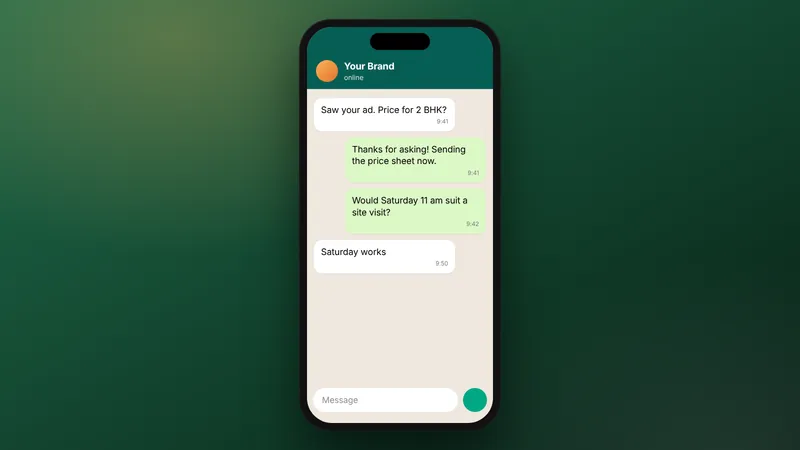
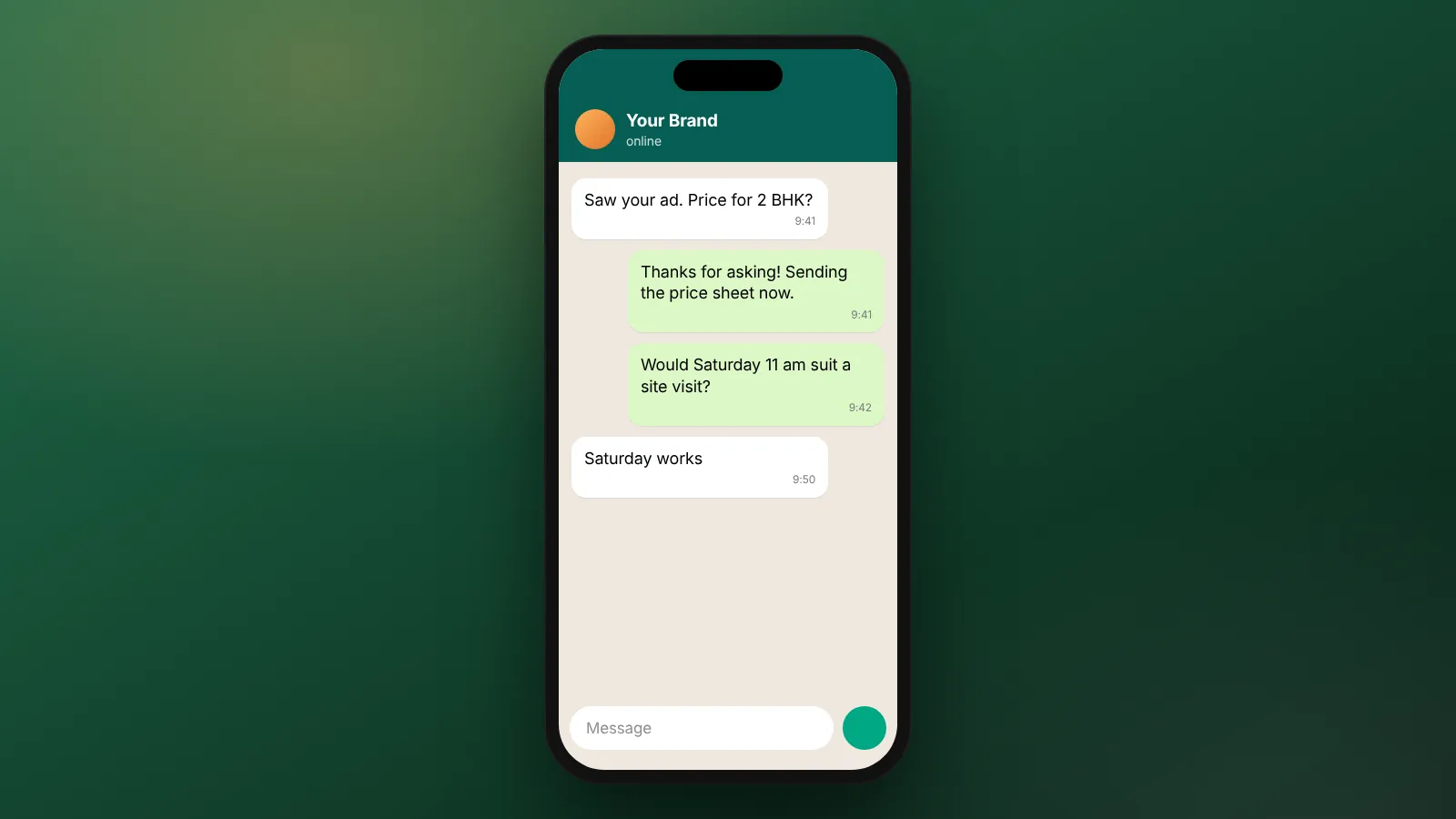
Example: "Hi Priya, thanks for asking about our 2BHK homes in Thane. I'm the WhatsApp assistant for the sales team. Would you like the price list, or a call from the team today?"
Avoid long paragraphs, several links at once, and pushy language. Do not pretend the assistant is a person.
What does a good follow-up sequence look like?
A few spaced messages over about a week, each with a reason to reply, then stop. More messages rarely help and can annoy people.
| When | Message | Goal |
|---|---|---|
| Within a minute | Thank-you, confirm interest, one question | Start the conversation |
| Same day, if no reply | Short reminder with the most useful detail, such as a price list | Give a reason to reply |
| Day 2 | Offer a call or visit with two time options | Book a conversation |
| Day 4 | Answer a common question or share a short video | Remove a doubt |
| Day 7 | Polite last check-in, with an easy "not now" option | Close the loop |
Stop the sequence the moment the lead replies, and switch to a person. Adjust timing for your sector. A restaurant booking needs a faster rhythm than a home purchase.
Before you plan timed messages on the WhatsApp Business Platform, read the current details on its Business Platform page (as of October 2026).
How do leads get from WhatsApp into a CRM or sheet?
Connect your WhatsApp setup to a CRM or a Google Sheet, so every lead is saved automatically with its source. Then nobody has to copy details from a phone.
Each lead record should capture:
- Name and phone number.
- What they asked about.
- The ad, campaign or page they came from.
- Date and time of first contact.
- Owner, meaning the staff member responsible.
- Status: new, in conversation, call booked, won or lost.
- Opt-in, with when and where it was given.
The ad source matters most. It is what lets you report cost per lead and cost per sale by campaign, not just total leads. If your tracking is not set up yet, start with Meta Pixel and Conversions API basics.
What are the opt-in rules for follow-up?
Get clear permission before you message someone first, say what they will receive, and keep a record. Meta publishes the requirements for businesses on its developer site.
Read Meta's current guidance on getting opt-in for WhatsApp before you launch (as of October 2026). Rules change, so recheck before big campaigns.
Practical steps that sit alongside the official rules:
- Put a clear WhatsApp opt-in on lead forms, with your business name.
- Explain what messages they will get, such as follow-ups about their enquiry.
- Store the opt-in with the lead record.
- Stop messaging anyone who asks, straight away.
- Never message bought lists or people who did not agree.
When should a person take over?
As soon as the lead shows buying intent, asks a question the flow cannot answer, or asks for a person. Automation opens the conversation, and people close it.
Common handover triggers:
- The lead asks for a call, a visit or a quote.
- They ask about price negotiation, finance or custom needs.
- They seem confused or unhappy.
- They reply with a long message rather than tapping a button.
When handing over, pass the whole chat and the CRM record to the owner. The lead should never have to repeat themselves. Set a target time for the first human reply and check it weekly.
How do you measure if follow-up is working?
Track each stage from lead to sale, and work out the cost of each one. That shows where leads drop away.
Worked example (example numbers): A home builder spends ₹70,000 on Meta ads in a month and gets 200 leads.
Cost per lead is ₹70,000 ÷ 200 = ₹350.
170 leads reply to the WhatsApp auto-reply, which is 85%.
60 of them book a call, so cost per booked call is ₹70,000 ÷ 60 = about ₹1,167.
18 buy, so cost per sale is ₹70,000 ÷ 18 = about ₹3,889.
If the reply rate is low, fix the first message. If calls are booked but sales are few, look at the call itself.
These are example numbers for the method only, not a benchmark.
For more on judging lead costs, see our post on real estate cost per lead.
What does WebMaxs set up for WhatsApp follow-up?
WebMaxs sets up the auto-reply, follow-up sequence, CRM or sheet routing, opt-in and handover rules. This is part of our WhatsApp and CRM automation service.
CRM and WhatsApp follow-up are set up on the Full Funnel plan, $2,490 or ₹1,25,000 a month as of October 2026. They are also available as a one-time project, quoted after a free scope call. See the pricing page for plan details. Ad spend is always separate and paid from your own ad account. For hospitality flows, see WhatsApp automation for hotels and restaurants.
Frequently asked questions
Should the first reply come from a bot or a person?
Use automation for the instant first reply, then bring in a person as soon as the lead shows real interest. The bot buys time and collects details. The person builds trust and closes.
What if a lead never replies?
Stop after your last planned follow-up and mark the lead as closed in your CRM or sheet. You can include them in a later campaign only if they opted in to that kind of message.
Can we follow up leads from a Google Sheet instead of a CRM?
Yes. A well-kept sheet with clear status columns works for many small teams. Move to a CRM when several people share leads or when you need automatic reminders for staff.
How do we stop two staff replying to the same lead?
Assign every lead to one owner the moment it arrives, and show that owner in the CRM or sheet. Shared inboxes work best when each chat has a named person responsible.
Should follow-up messages include a discount?
Only if the discount is real and planned. A small reason to act, such as limited slots, can help. Do not invent urgency or fake deadlines.
Sources
Platform rules change. Check the official pages before you launch.
Want this done for your brand?
See how WebMaxs handles WhatsApp automation, or tell us about your business and we will bring three ideas and a free sample ad to the call.