WhatsApp Business automation for hotels and restaurants
Short answer: Start with five flows: an instant enquiry reply, a booking flow, booking reminders, a menu or rooms flow, and a feedback request after the visit. Get clear opt-in before you message anyone first, hand over to a person when a guest needs one, and choose the WhatsApp Business app or Business Platform based on volume and integrations.
What can WhatsApp automation do for a hotel or restaurant?
It answers common questions instantly, collects booking details, sends reminders and asks for feedback, so your team only handles the chats that need a person. Guests get a reply even when the front desk is busy.
Hotels and restaurants get the same questions every day. What are the rates? Is there parking? Can I book a table for eight? Automation answers these in seconds and passes complex requests to staff with the details already collected.
For industry-specific marketing ideas, see our pages for hotels and resorts and restaurants, cafés and bars.
Which flows should a hotel set up first?
Start with enquiry, booking, pre-arrival and feedback. These cover most guest messages and most of the staff time spent on WhatsApp.
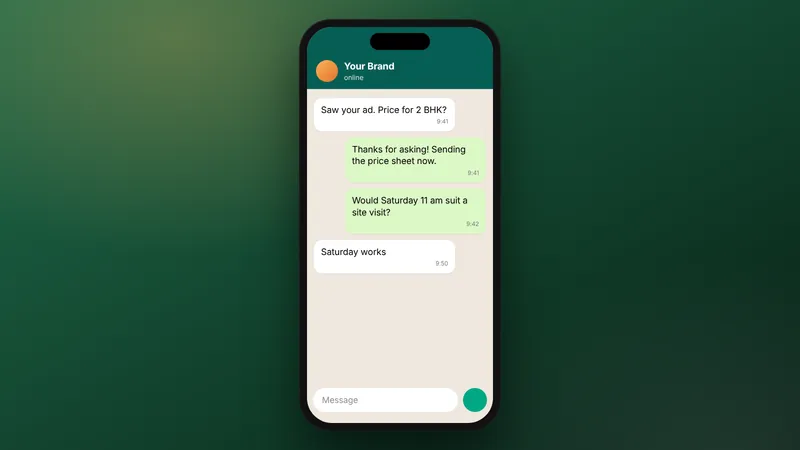
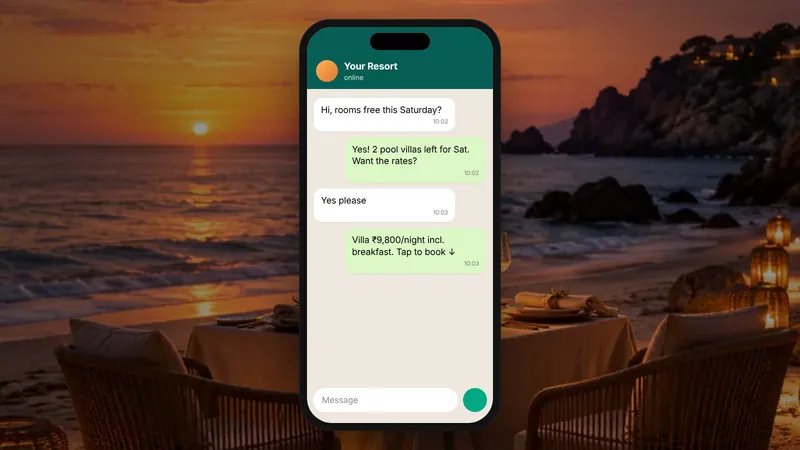
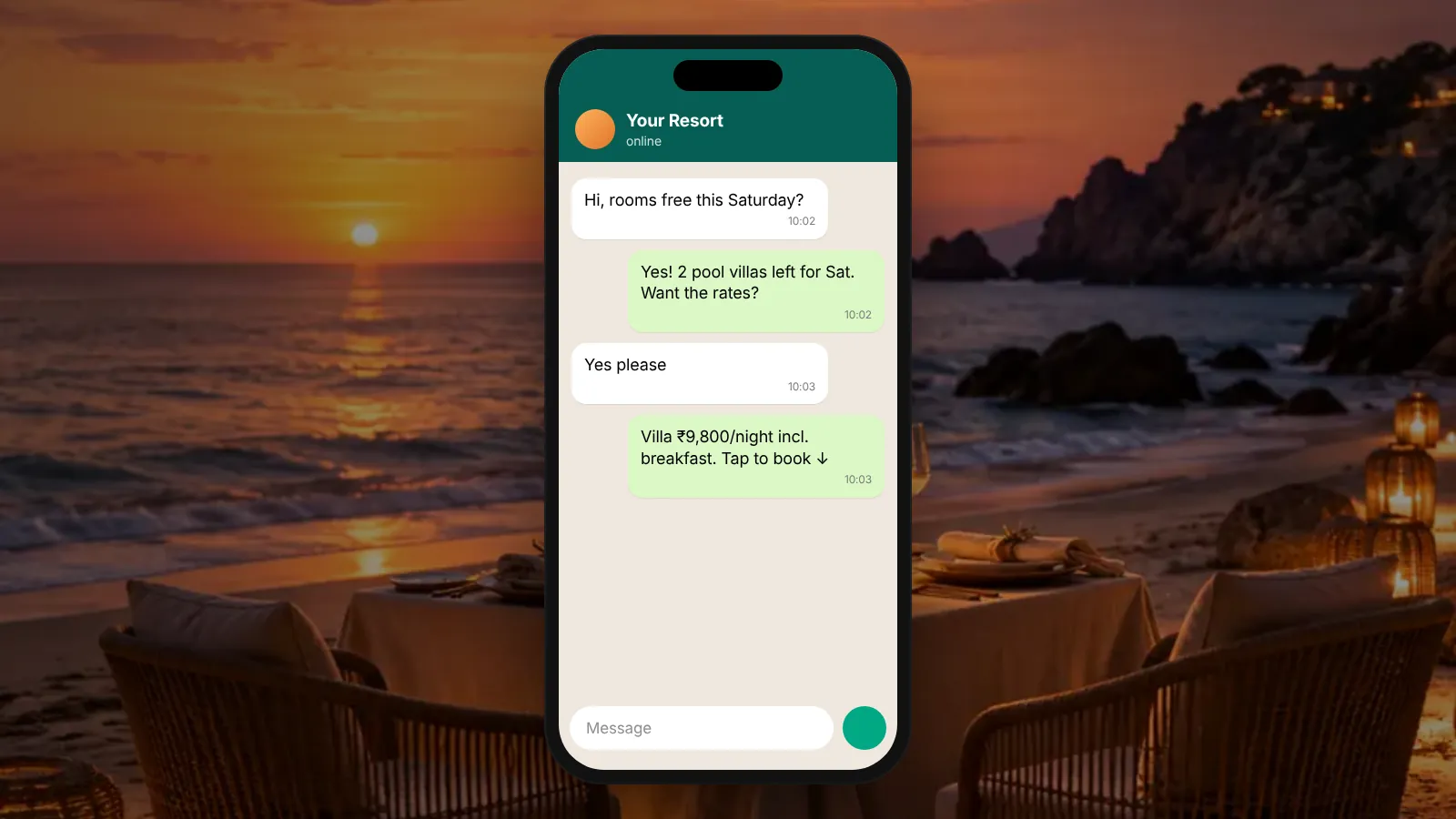
- Enquiry reply. An instant greeting with buttons for rooms and rates, location, facilities and "talk to the team".
- Booking flow. Collect dates, number of guests, room type and name. Then send a link to your booking engine or pass the details to reservations.
- Pre-arrival message. A day or two before check-in, send directions, check-in time and an option to request an early arrival or airport pickup.
- During the stay. A simple menu for housekeeping, room service or restaurant bookings, routed to the right department.
- Feedback after checkout. A short thank-you and a two-question survey. Send happy guests a link to leave a public review.
Which flows should a restaurant set up first?
Start with menu, table booking, reminders and feedback. Keep each flow short, because diners want an answer in a few taps.
- Menu and hours. Send the current menu as a link or PDF, opening hours and location.
- Table booking. Ask for date, time, party size and name. Confirm or pass to the host if the slot needs checking.
- Booking reminder. A reminder on the day, with a one-tap option to confirm or cancel. This frees tables you can offer to others.
- Events and private dining. Collect the date, guest count and budget, then hand over to the manager.
- Feedback. A short message after the meal, with a review link for happy guests and a direct line to the manager for unhappy ones.
Should you use the WhatsApp Business app or the Business Platform?
Use the app if a small team replies by hand from one phone. Use the Business Platform if you need software to send and receive messages, such as a booking system, CRM or chatbot.
| Question | Business app fits | Business Platform fits |
|---|---|---|
| Who replies? | One or two people on a phone | Several staff across shifts |
| How many chats a day? | A handful you can answer by hand | More than staff can answer quickly |
| Connected to other software? | Not needed | Booking engine, POS, CRM or a sheet |
| Automated flows and reminders? | Simple replies are enough | Multi-step flows and timed reminders |
| Set-up effort | Simple to start | More set-up work, often with a provider or developer |
WhatsApp describes the Platform on its Business Platform page. Features and pricing change, so check the current page before you decide (as of October 2026).
What are the opt-in rules?
Get clear permission before you message a guest first, and keep a record of it. Meta sets out the requirements for businesses on its developer site.
Read Meta's current guidance on getting opt-in for WhatsApp before you launch any flow that starts a conversation (as of October 2026). Rules change, so check again before any big campaign.
Good practice goes alongside the official rules.
- Add a clear opt-in to booking forms, website chat and check-in, with your business name on it.
- Say what guests will receive, such as booking updates or offers, so nothing comes as a surprise.
- Record when and where each person opted in.
- Make it easy to stop messages, and honour every request straight away.
- Never buy contact lists or message people who have not agreed.
When should a person take over from the bot?
Hand over whenever a guest asks for a person, sounds unhappy, or has a request the flow cannot handle. Automation should save staff time, not block guests from staff.
Set clear handover triggers.
- The guest taps "talk to the team" or types words like "manager" or "complaint".
- A booking is for a large group, an event or a special date.
- The same question comes back twice, which means the bot did not answer it.
- Payment, refund or medical and allergy questions come up.
Tell the guest who will reply and roughly when. Out of hours, say so honestly and give a time.
How much staff time could automation save?
It depends on how many of your chats are repeat questions. Count your own messages for a week before you build anything.
Worked example (example numbers): A 40-room hotel gets 25 WhatsApp enquiries a day, which is 750 a month.
The team checks a week of chats and finds 60% are repeat questions about rates, location and facilities.
If the enquiry flow answers those, that is 750 × 60% = 450 chats a month handled without staff.
The other 300 still need a person.
Each repeat question took 3 minutes to answer by hand.
So the flow frees 450 × 3 = 1,350 minutes, or 22.5 hours a month.
These are example numbers only. Your own share of repeat questions will differ.
How do you set it up without losing the human touch?
Write every message in your venue's voice, keep flows short, and test them yourself before guests see them. Review real conversations every week and fix the points where guests get stuck.
Start small. Launch the enquiry reply and one booking flow, watch for two weeks, then add reminders and feedback. Track bookings and enquiries in leads and cost per lead if the chats come from ads. Our post on WhatsApp lead follow-up covers follow-up sequences and CRM routing.
WebMaxs sets up WhatsApp and CRM automation on the Full Funnel plan, or as a one-time project quoted after a free scope call. Plan details are on the pricing page.
Frequently asked questions
Can we keep our existing WhatsApp number?
Often, yes, but moving a number from the app to the Business Platform has its own rules. Check the current rules with your provider before you change anything.
Should the bot take payments or deposits?
It can link to a secure payment page from your booking system or payment provider. Do not ask guests to type card details into a chat. Keep payments on a proper payment page.
What languages should the flows use?
Use the languages your guests actually write in. Many venues offer English plus one local language. Let guests switch language with a single tap, and have native speakers check every message.
How many staff need access to the WhatsApp inbox?
Everyone who handles bookings or guest questions on a shift. Give each person their own login where your setup allows it, so you can see who replied and when.
Will automation make our replies feel robotic?
Only if you let it. Keep messages short and warm, use the guest's name, write in your venue's voice, and offer a person at every step.
Sources
Platform rules change. Check the official pages before you launch.
Want this done for your brand?
See how WebMaxs handles WhatsApp automation, or tell us about your business and we will bring three ideas and a free sample ad to the call.