Local SEO checklist for restaurants and cafes in India
Short answer: Start with a complete, accurate Google Business Profile. Keep your name, address and phone identical everywhere, publish your menu as text on your website, add real photos, earn honest reviews and reply to them, create a page for each outlet, and add Restaurant schema. Then track where bookings come from.
What is local SEO for a restaurant?
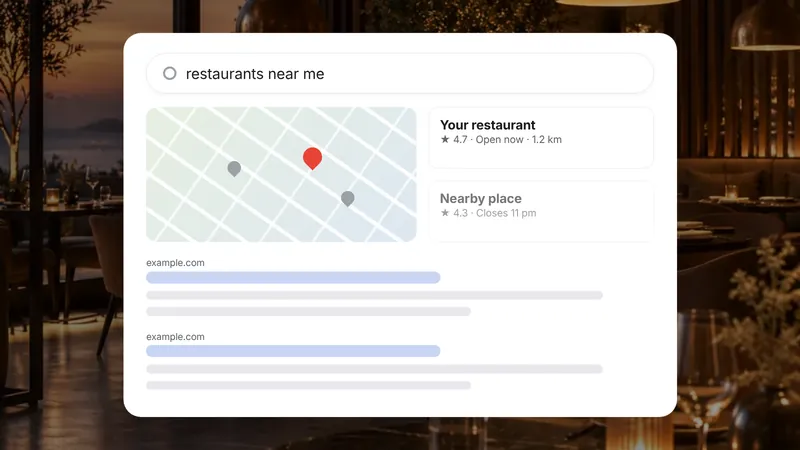
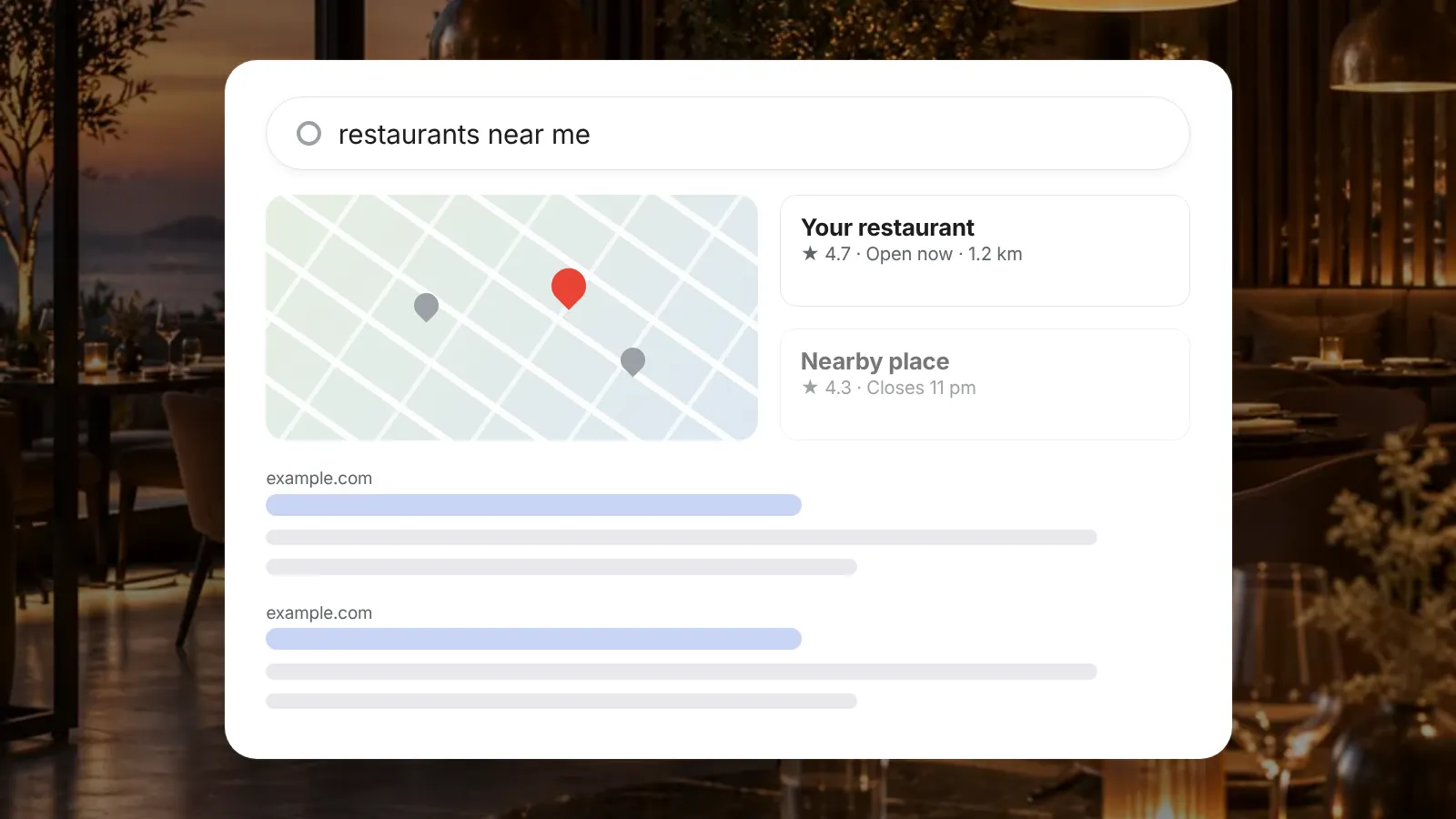
Local SEO is the work that helps people nearby find your restaurant when they search on Google or Maps. Think "biryani near me", "cafe in Bandra with Wi-Fi" or "rooftop bar Indiranagar".
For restaurants and cafes, many of these searches lead straight to a call, a direction request or a booking. That makes local SEO one of the most practical kinds of marketing for food businesses.
Below is a checklist you can work through in order. Our restaurant marketing page shows how it fits with social media and ads.
How do you set up your Google Business Profile properly?
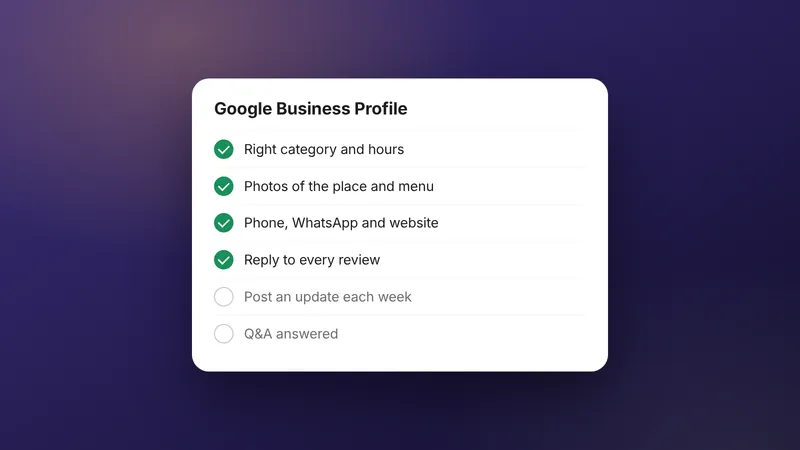
Claim and verify your profile, then fill in every relevant field accurately. This is the first thing many diners see.
Checklist:
- Business name exactly as on your signboard. Do not add keywords like "best biryani".
- Primary category that fits best, such as Restaurant, Cafe or a cuisine type, plus relevant extra categories.
- Address and map pin placed on your actual entrance.
- Phone number that someone answers during opening hours.
- Opening hours, plus special hours for festivals and holidays.
- Website link and a booking or ordering link if you have one.
- Menu and attributes such as outdoor seating, vegetarian options or live music, where they apply.
Google's own instructions for each field are in Google Business Profile Help. Our Google Business Profile checklist goes field by field.
What is NAP consistency, and why does it matter?
NAP stands for name, address and phone number. Keeping them identical everywhere helps Google and diners trust that the details are right.
Mismatches are easy to miss. An outlet might appear as "Cafe Example, Bandra West" on Google and "Example Cafe & Bakery, Bandra (W)" on a delivery app. Old phone numbers linger on directories for years.
Fix this once and keep a single master record:
- Write your official name, full address with PIN code, and main phone number.
- Search for your restaurant on Google, Maps, Zomato, Swiggy, Instagram and local directories.
- Correct every listing to match the master record.
- Repeat the check every few months and after any move or number change.
What should your menu page look like?
Put your menu on your own website as real text, not only as a PDF or photo. Text is easier for search engines, AI tools and people on slow mobile connections.
Include:
- Dish names and short descriptions.
- Prices, updated when they change.
- Labels for vegetarian, vegan, Jain or spicy dishes where useful.
- Separate sections for breakfast, lunch, dinner, bar or seasonal specials.
- The date the menu was last updated.
A good menu page answers questions before people call. Our restaurant website concept shows one way to lay out menu tabs on a phone.
How should you use photos?
Use real, recent photos that match what diners will actually see. Stock images and heavily edited photos set the wrong expectations.
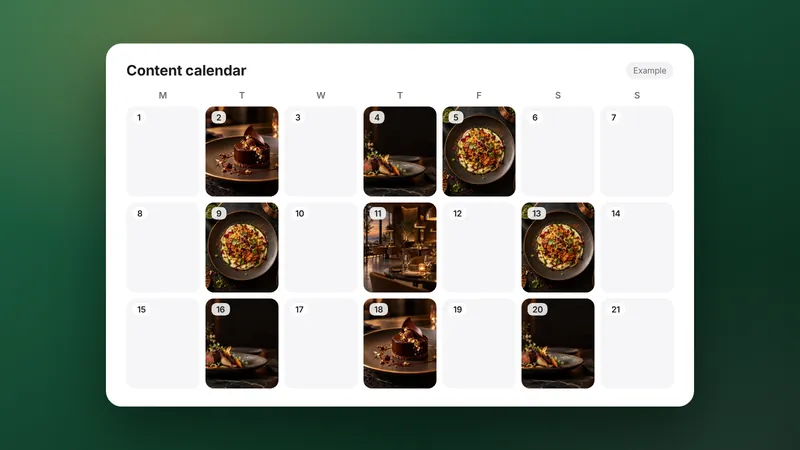
Cover the dishes people order most, the interior at different times of day, the entrance (so people can find you) and the team. Add new photos when the menu or decor changes, and remove ones that are out of date.
If you use AI-made images anywhere, label them as AI-made. On your Google profile and menu, stick to real photos of real food.
How do you get more reviews without faking them?
Ask every happy guest, at the right moment, with a direct link. Never post fake reviews, buy them or review your own outlet.
Ways to ask:
- A small QR code card on the table or with the bill.
- A short thank-you message after a booking, with the review link.
- Staff who mention it naturally when a guest says they enjoyed the meal.
Reply to reviews within a few days. Thank people for good ones. For complaints, apologise once, explain what you have fixed, and offer to talk offline. Future diners read your replies as much as the reviews.
Do you need local pages for each area or outlet?
Yes, if you have more than one outlet. Each outlet should have its own page with its own address, phone, hours, menu link and photos.
Do not create thin pages for areas you do not serve, such as "best cafe in Powai" when your only outlet is in Andheri. They add little value and can mislead diners.
What schema should a restaurant website use?
Structured data, or schema, describes your restaurant to machines in a standard format. In principle, the Restaurant type covers name, address, phone, hours, cuisine and price range, and Menu types describe the menu itself.
| Item | Where it lives | How often to check |
|---|---|---|
| Google Business Profile | Google Search and Maps | Monthly, and before holidays |
| Name, address, phone | Profile, website, apps, directories | Every few months |
| Menu page | Your website | Whenever prices or dishes change |
| Photos | Profile and website | Every month or two |
| Reviews and replies | Google and other platforms | Weekly |
| Outlet pages | Your website | When details change |
| Restaurant schema | Your website code | After any change to hours or address |
Keep the schema identical to what is visible on the page. Google's guidance for site owners on its AI features is on Search Central, and our AI search optimisation guide covers the wider picture.
How do you know if it is working?
Ask guests how they found you and count the answers. Combine that with the calls and bookings you can trace.
Worked example (example numbers): A cafe in Koramangala asks every guest who books by phone how they found it.
In September, 120 bookings come by phone and 30 say "Google Maps", which is 30 ÷ 120 = 25%.
The cafe fixes its hours, adds a text menu and replies to every review.
In December, 130 bookings come by phone and 39 say "Google Maps", which is 39 ÷ 130 = 30%.
These are example numbers to show how to measure. They are not a forecast.
Track the same question the same way each month, or the numbers will not compare fairly.
If you want help, our SEO service covers local SEO and Google Business Profile management. It can be added to any WebMaxs monthly plan; ask on your call. Plan prices are on our pricing page.
Frequently asked questions
Do Zomato and Swiggy listings count for local SEO?
They matter because many diners see them, so keep your name, address, phone and hours identical there too. They do not replace your own website and Google Business Profile, which you control directly.
Should a cloud kitchen do local SEO?
Yes, but differently. Without a dining room, focus on accurate delivery areas, your delivery app listings and a website menu. Follow Google's own rules on whether and how a delivery-only business can be listed.
How many photos should a restaurant upload?
There is no magic number. Aim for a steady flow of real, recent photos of dishes, the space and the team, and replace ones that no longer match your menu or interior.
Is it worth paying for local SEO if we are always full?
Maybe not yet. If tables are full at the hours you care about, spend the effort on quieter slots, new outlets or delivery instead. Local SEO is most useful where you have empty seats to fill.
Does posting on Instagram help local SEO?
Not directly, but it helps people recognise and trust you, and your profile is another place your details should match. Keep the address, phone and booking link in your bio consistent with Google.
Sources
Platform rules change. Check the official pages before you launch.
Want this done for your brand?
See how WebMaxs handles SEO, or tell us about your business and we will bring three ideas and a free sample ad to the call.