Why website speed matters for ads, and how to fix a slow site
Short answer: Every ad click costs money whether the page loads or not. A slow landing page means some people leave before they see your offer, so you pay for visits that never happen. Check Core Web Vitals on mobile, shrink images, cut unused scripts and trackers, and use decent hosting.
Why does website speed matter when you pay for ads?
Because you pay for the click, not the visit. If the page is slow, some people give up before they see your offer, and that money is gone.
Many ad clicks come from phones, often on patchy mobile data. A page that feels fine on office Wi-Fi can crawl on a phone in a moving car. The people you lose are the ones you just paid to reach.
Speed is also one of the few things you fully control. You cannot control competitors' bids, but you can control how heavy your page is.
What are Core Web Vitals, in plain words?
They are three measures Google uses to describe how a page feels to real users. Google's web.dev guide to Web Vitals defines them and sets "good" targets, as of October 2026.
| Measure | Plain meaning | "Good" target (web.dev) |
|---|---|---|
| Largest Contentful Paint (LCP) | How long until the main content, often the big image or headline, appears | 2.5 seconds or less |
| Interaction to Next Paint (INP) | How quickly the page reacts when someone taps or types | 200 milliseconds or less |
| Cumulative Layout Shift (CLS) | How much the page jumps around while loading | 0.1 or less |
The web.dev guide says to judge these at the 75th percentile of real visits, split by mobile and desktop. In plain words, most of your visitors, not just the lucky ones, should get a good experience. INP replaced an older measure, First Input Delay, in 2024.
How do you check your own site's speed?
Use Google's free PageSpeed Insights on your landing page, then test by hand on a real phone. Both views matter.
- Field data shows what real visitors experienced, when Google has enough of it for your page.
- Lab data is a simulated test. It is useful for finding causes, but it is not what your visitors felt.
- The phone test is simple. Open your ad's landing page on mobile data, on a mid-range phone, and time it.
Test the exact page your ads link to, with the tracking parameters on. That is the page your money lands on, not your home page.
What usually makes a site slow?
Usually a few heavy things, not one mystery problem. These are the common causes.
- Large images: photos uploaded straight from a camera or phone, many times bigger than the screen needs.
- Too many scripts: chat widgets, pop-ups, sliders, review badges and animation libraries, each adding code to download and run.
- Trackers and tags: analytics, ad pixels and heatmaps, sometimes installed twice or left from old campaigns.
- Heavy themes and plugins: page builders that load code for features you do not use.
- Web fonts: several font families and weights, each a separate download.
- Slow hosting: cheap shared servers that take a long time to send the first byte.
- Hidden content: pages where the main content only appears after JavaScript runs.
Which fixes make the biggest difference?
Start with images and the main content, then scripts, then hosting. The table lists common fixes in a sensible order.
| Problem | Fix | Effort |
|---|---|---|
| Huge images | Resize to the size shown, compress, use modern formats like WebP or AVIF | Low |
| Slow main image (LCP) | Put it directly in the HTML, give it high priority, do not lazy-load it | Low |
| Images below the fold | Lazy-load them so they download only when needed | Low |
| Page jumps while loading (CLS) | Set width and height on images, embeds and ad slots | Low |
| Unused scripts and widgets | Remove them; load the rest after the main content | Medium |
| Duplicate or old tracking tags | Audit tags; keep one copy of what you use | Medium |
| Large stylesheets blocking the page | Trim unused CSS; defer what is not needed first | Medium |
| Too many fonts | Use one or two families and fewer weights | Low |
| Slow server response | Better hosting, caching and a content delivery network | Medium |
| Heavy page builder | Rebuild key landing pages as simple, light pages | High |
Several of these come straight from web.dev's guide to optimising Largest Contentful Paint, as of October 2026. It advises making the main image discoverable in the initial HTML, and not lazy-loading it. It also covers trimming render-blocking stylesheets.
How many tracking tags are too many?
As many as you actually use, and not one more. Each tag adds weight, and duplicates can also double-count your results.
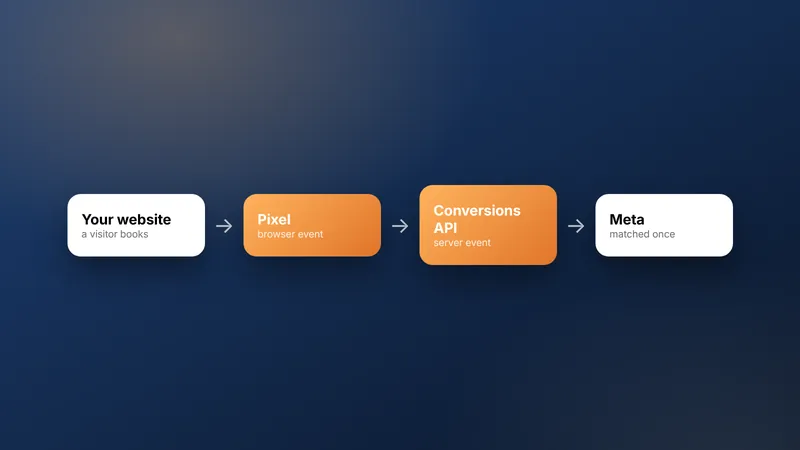
Keep the tracking your ads depend on, such as the Meta pixel and conversion events. Our guide to the Meta pixel and Conversions API explains which events matter.
Then list every other tag on the page. For each one, ask who uses the data and when they last looked. Remove anything nobody can answer for.
How does speed change your real cost per lead?
It changes how many paid visitors get the chance to become leads. The example below shows the maths with made-up numbers.
Worked example (example numbers): you pay for 1,000 ad clicks at ₹20 each, so ₹20,000 in total.
On a slow page, suppose 300 people leave before it loads, so 700 see the offer.
If 5% of those enquire, that is 35 leads, and ₹20,000 / 35 is about ₹571 per lead.
After fixes, suppose only 100 leave, so 900 see the offer.
At the same 5%, that is 45 leads, and ₹20,000 / 45 is about ₹444 per lead.
All figures are example numbers to show the maths, not a benchmark or a promise.
The point is the mechanism. Same spend, same ad, same offer, but more people actually see the page.
What does a fast landing page look like?
Simple, focused and light. One offer, one clear action, real photos sized properly, and very little else.
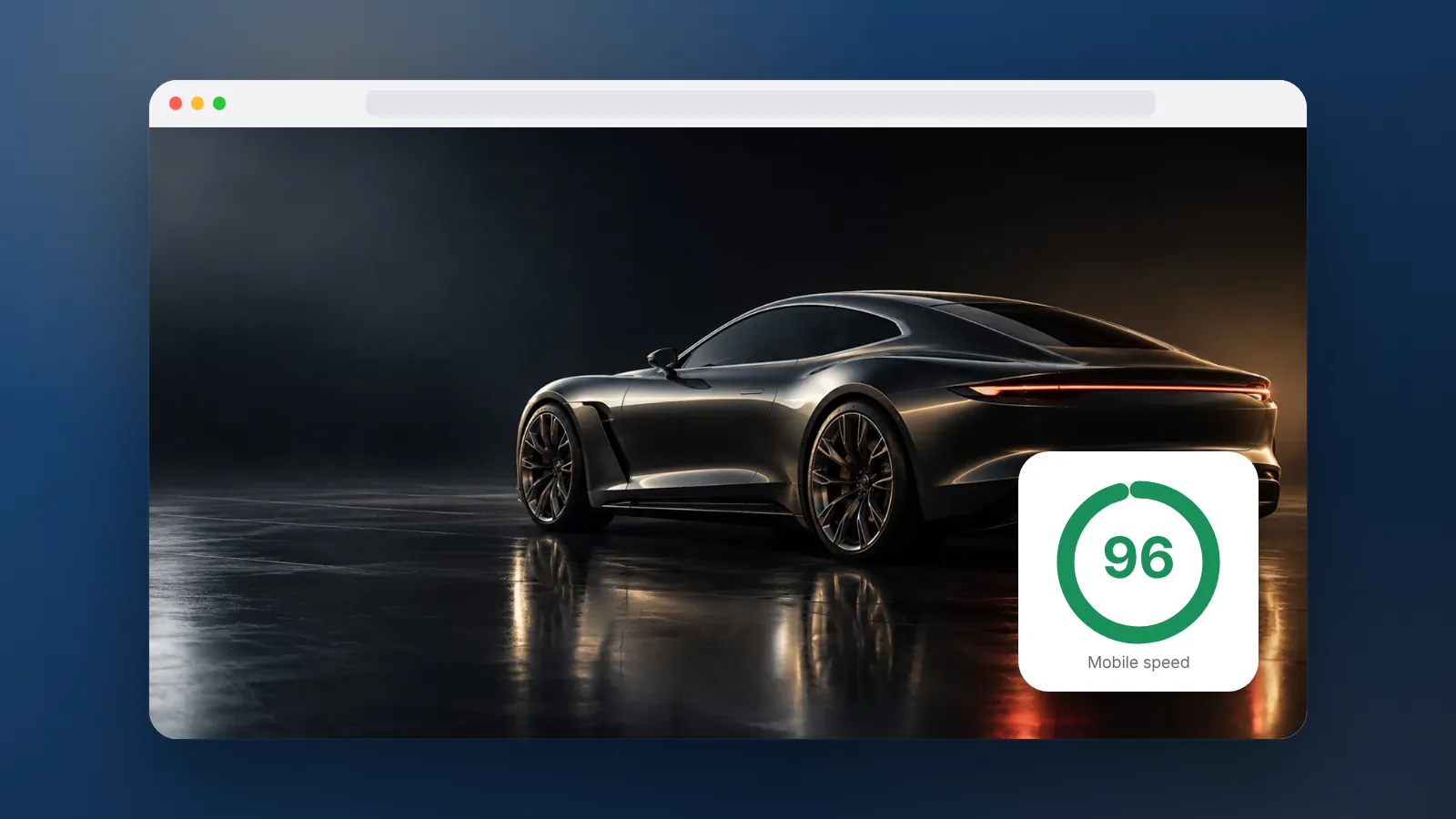
The concept sites in our showcase are built to load under 1 MB on a first visit. That is a useful target for a landing page. It leaves room for good photos without the bloat of unused code.
A fast page also needs the basics right. The headline should match the ad, the form or WhatsApp button should sit near the top, and no pop-up should block the screen. If you are planning a new site, our post on website costs in India covers hosting and build choices. Hotels can also see what a booking website needs.
Can WebMaxs fix a slow site?
Yes. We audit the landing pages your ads use, fix what can be fixed in place, and rebuild pages that cannot. Larger builds are done with our development partner CodeGenIT as fixed-price projects. See the websites service page for details.
If you run ads with us, the Launch Growth plan on our pricing page includes ongoing landing page improvements.
Frequently asked questions
Does a faster site lower my cost per click?
Not directly in every case, and nobody can promise that. What speed reliably does is let more of the people you already paid for see your page. That tends to help cost per lead, which is the number that matters.
Is a desktop speed test enough?
No. Many ad clicks come from phones, often on mobile data. Test on a mid-range phone and look at the mobile results first.
Will removing tracking hurt my ads?
Removing tracking you use would hurt, because ad platforms learn from conversion events. The aim is to remove tags nobody uses and duplicates, and to load the rest efficiently. Keep the pixel and conversion events your campaigns rely on.
Should I build separate landing pages for ads?
Often yes. A focused page with one offer, one form and few extras is easier to keep fast than a full home page. It also matches the ad more closely, which helps people act.
How often should I check site speed?
After every significant change, such as a new theme, plugin, chat widget or tracking tag. Otherwise a monthly check is enough. Speed often slips slowly as small additions pile up.
Sources
Platform rules change. Check the official pages before you launch.
Want this done for your brand?
See how WebMaxs handles websites, or tell us about your business and we will bring three ideas and a free sample ad to the call.